Securing your eToro account is easier than you think thanks to the two-factor authentication (2FA), which adds an extra layer of protection—because a password alone isn’t enough these days.
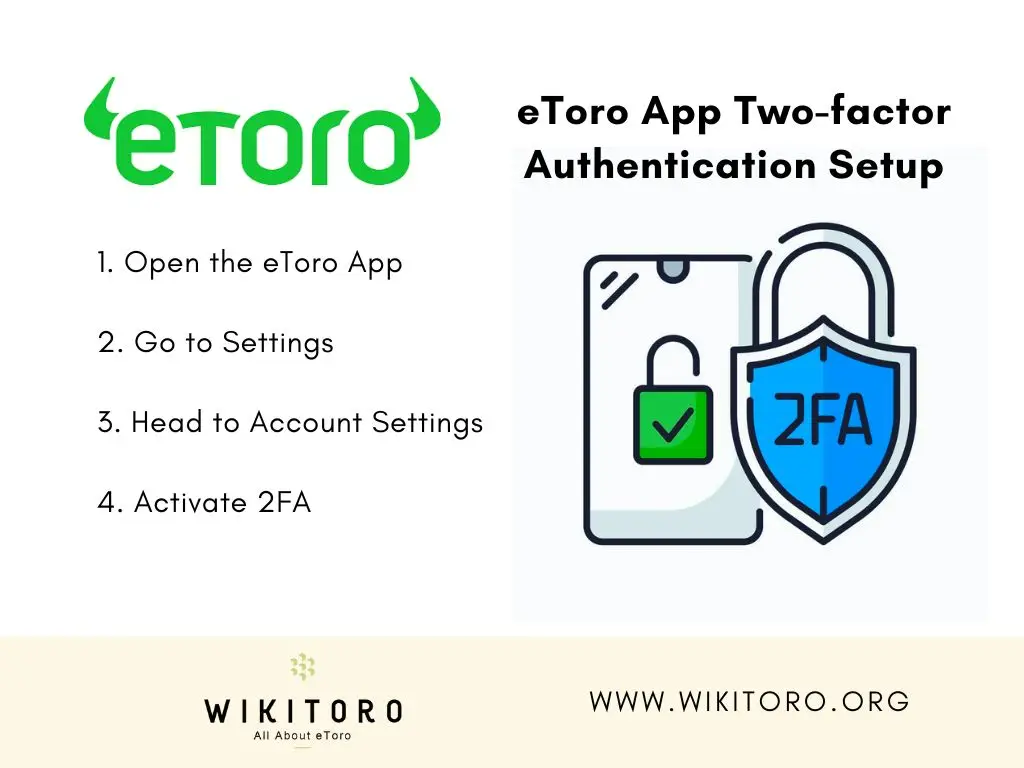
How to set up 2FA with the eToro app infographic
With 2FA enabled, every login attempt requires a unique verification code in addition to your password. That means even if someone gets hold of your credentials, they won’t get in without that second step. Here’s how to set it up in just a few taps:
Tap the menu icon at the top, then select Settings (look for the gear icon).
3. Head to Account Settings
Inside the Settings menu, tap on Account.
4. Activate 2FA
Scroll to the Security section, find Two-Factor Authentication, and toggle it ON.
That’s it. So now, every time you log in, you’ll receive a one-time verification code via SMS or phone call. This keeps your account secure from unauthorized access.
Guess what?
This entire process took less than 2 minutes for me to accomplish so I strongly suggest that you do the same to add more protection to your online trading account. Simple and fast.
Nadav is the Senior Content Editor at Wikitoro.org with over 15 years in online marketing. A graduate of Toronto Metropolitan University, he has strategized for More Sales Inc. and led online sales at...
We use cookies in order to improve the website's performance and enhance your user experience. You may choose your preference to this use of cookies. For more information please refer to our Privacy Policy