
Here’s what most likely happened and no, it’s probably not a glitch. These are the most common reasons your stock trade may have been closed, based on eToro’s rules and actual user cases.
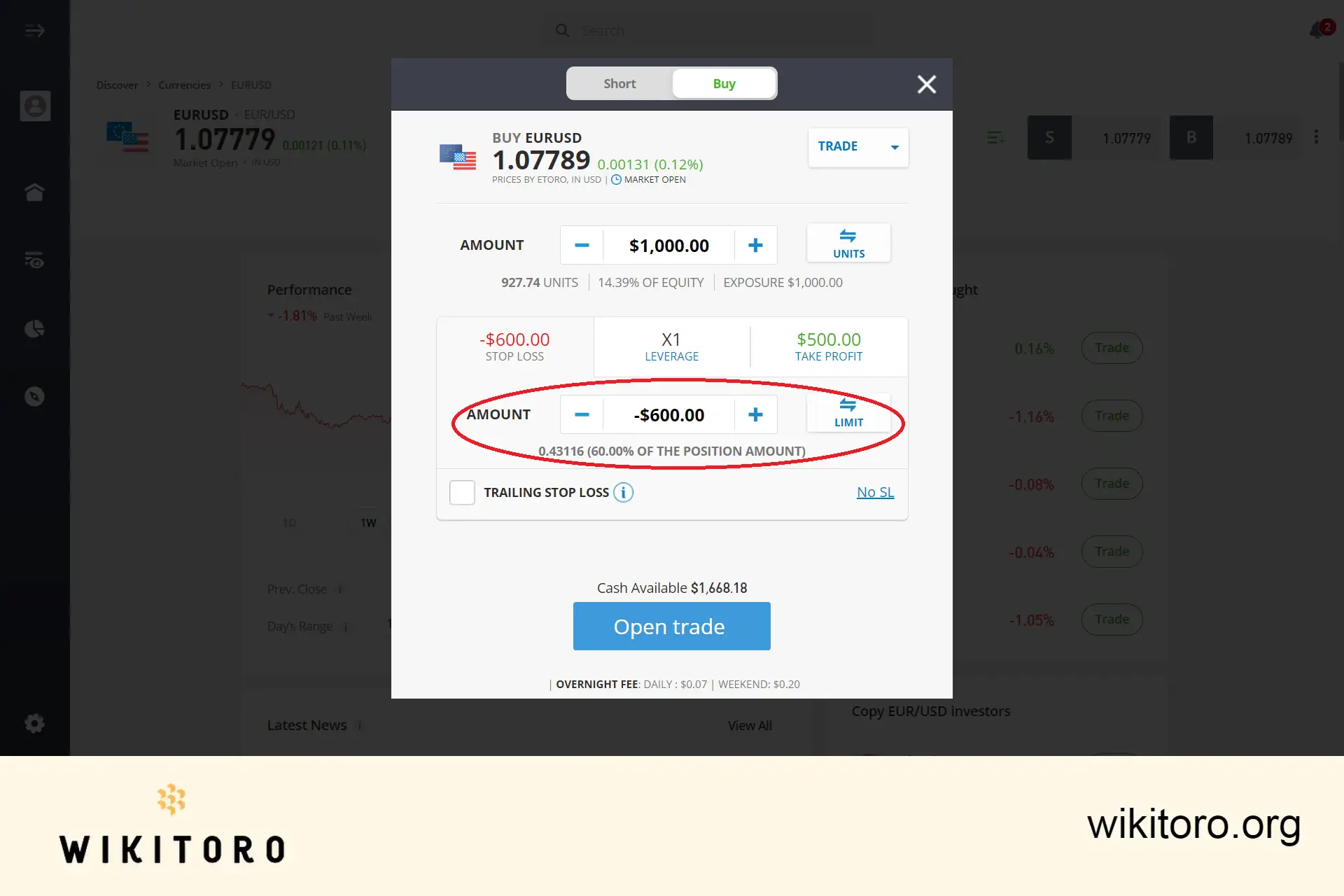
If you set a Stop Loss (SL) or Take Profit (TP), and the price of the stock touched that line, eToro will close the trade automatically. That’s standard.
And even if you didn’t manually place one, there’s a built-in guardrail: eToro doesn’t allow an SL below 50% of your position’s value. If your investment tanks by half, it may close out to cap further loss.
Trading contracts like stock CFDs or options? These don’t last forever. eToro will close the position when the contract expires, sometimes right at the bell (think 3:30 PM ET for options).
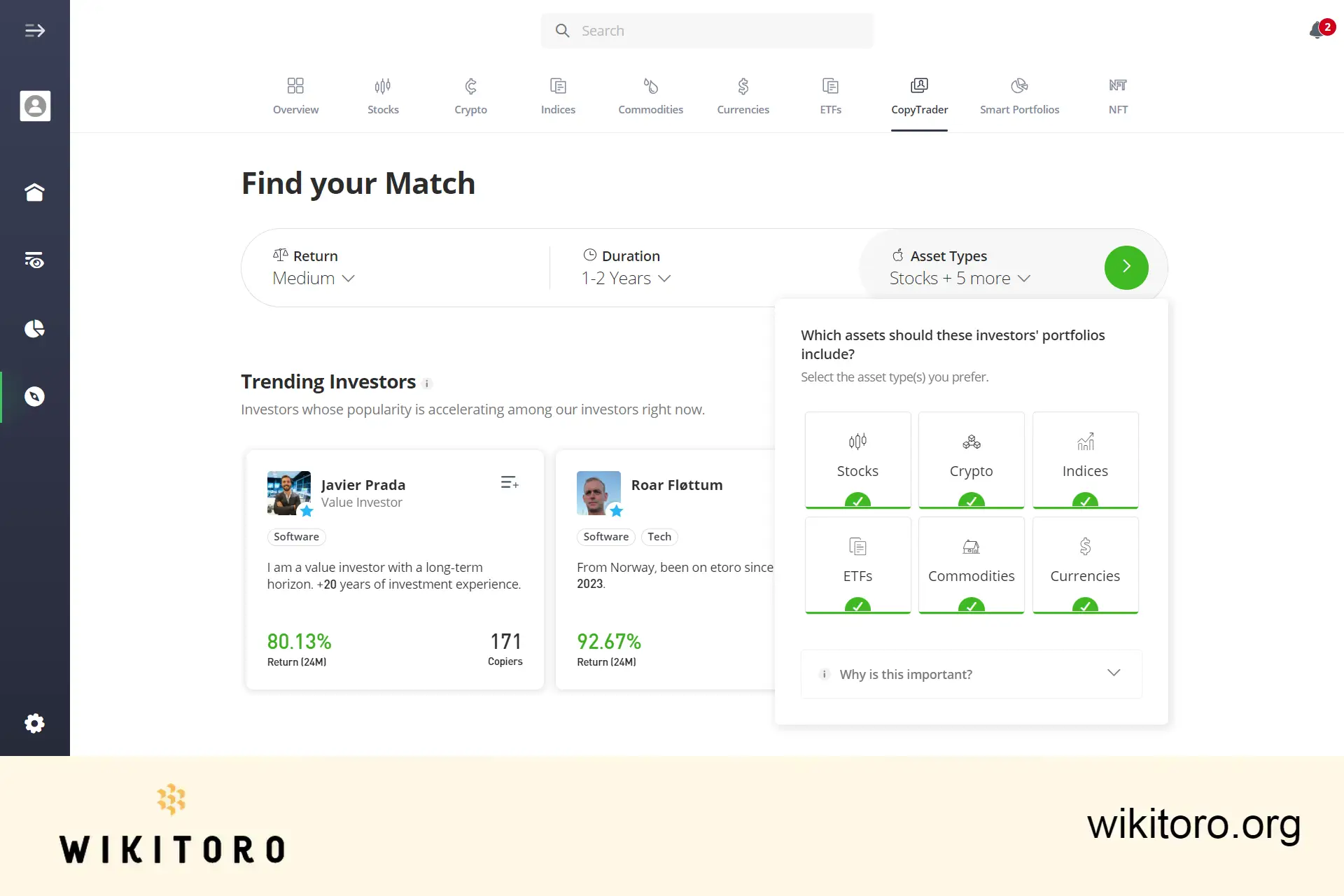
Copying another trader? Your trades mirror theirs. If they sell, adjust, or rebalance their positions, eToro follows suit in your portfolio. It may mean a position gets closed and reopened as part of the sync process.
Sometimes it’s not up to eToro or the trader. If a stock gets delisted or is no longer tradeable (regulatory rules, sanctions, etc.), eToro may close your trade on your behalf.
Case in point: after the Ukraine conflict escalated in 2022, eToro liquidated Russian ADRs like Magnit. Users were paid out at nominal rates. This was due to compliance.
In certain cases, eToro changes its service policy by country or account type. That might mean closing positions or accounts entirely.
For example, when support was withdrawn in the Philippines, users reported forced closures (source: Reddit). If your country suddenly gets flagged, your account may be impacted too.
What to Watch Moving Forward
Here’s what I recommend, based on what I’ve seen work in situations like this:
- Know your SL/TP settings and remember: Stop Loss can’t go below 50%.
- Be aware of expiry dates if trading stock CFDs or options.
- If you copy traders, expect auto-rebalancing. Your portfolio isn’t static.
- Keep an eye on delisting news or eToro policy updates by region.
- Save those trade receipts and system messages in case you need to challenge a closure.
Don’t guess. If something feels off, check your logs, and ask questions.
 About Nadav Zelver
















