
To buy Meta (Facebook) stocks on eToro, start by logging into your eToro account or signing up if you don't have one. Once logged in, use the search bar to find "Meta", select the Meta result under the Markets category, and click on the "Trade" button. Finally, enter the amount you wish to invest, adjust your stop-loss, leverage, and take-profit settings as per your preference, and then click "Open Trade" to complete your purchase.
52% of retail investor accounts lose money when trading CFDs with this provider. You should consider whether you can afford to take the high risk of losing your money.
Meta, the parent company of Facebook, ranks high among sought-after stocks for online trading. Notably, purchasing Meta stock directly from the company isn't possible; instead, it requires using an online brokerage, such as eToro.
If you're considering this investment, much like I did, here's a straightforward guide to help you get started on this promising venture.
Follow these steps to buy real shares of this tech giant on the platform:
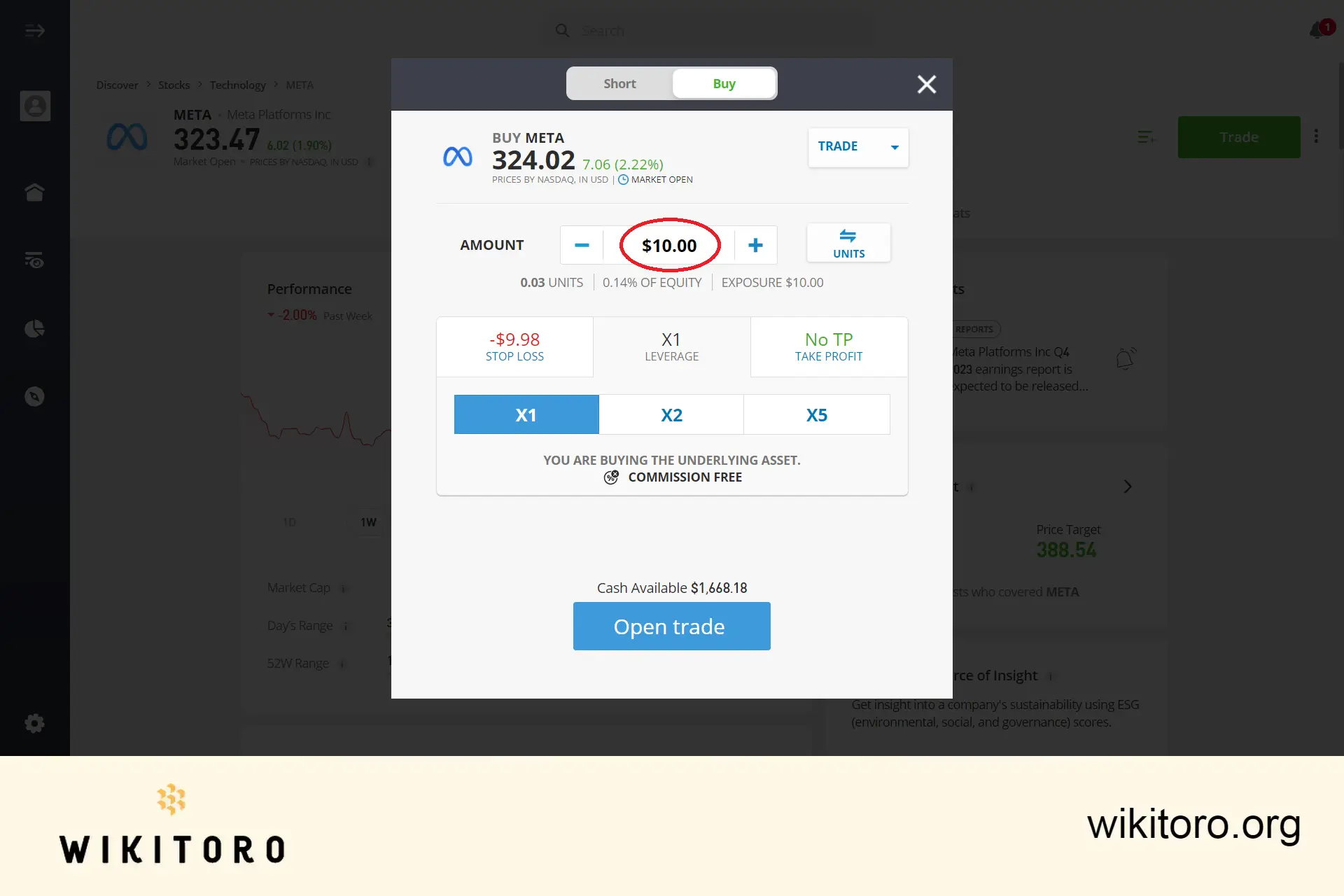
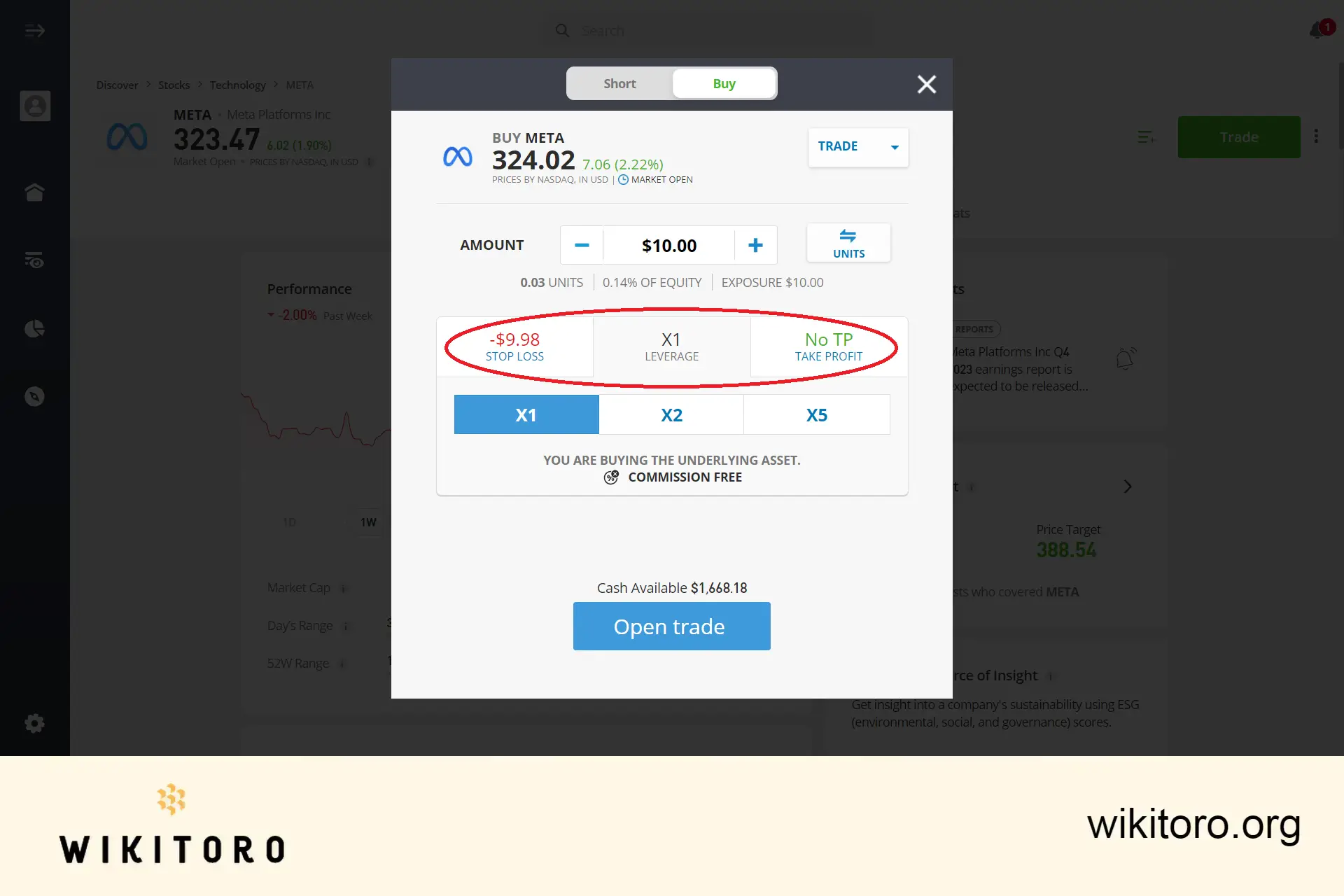
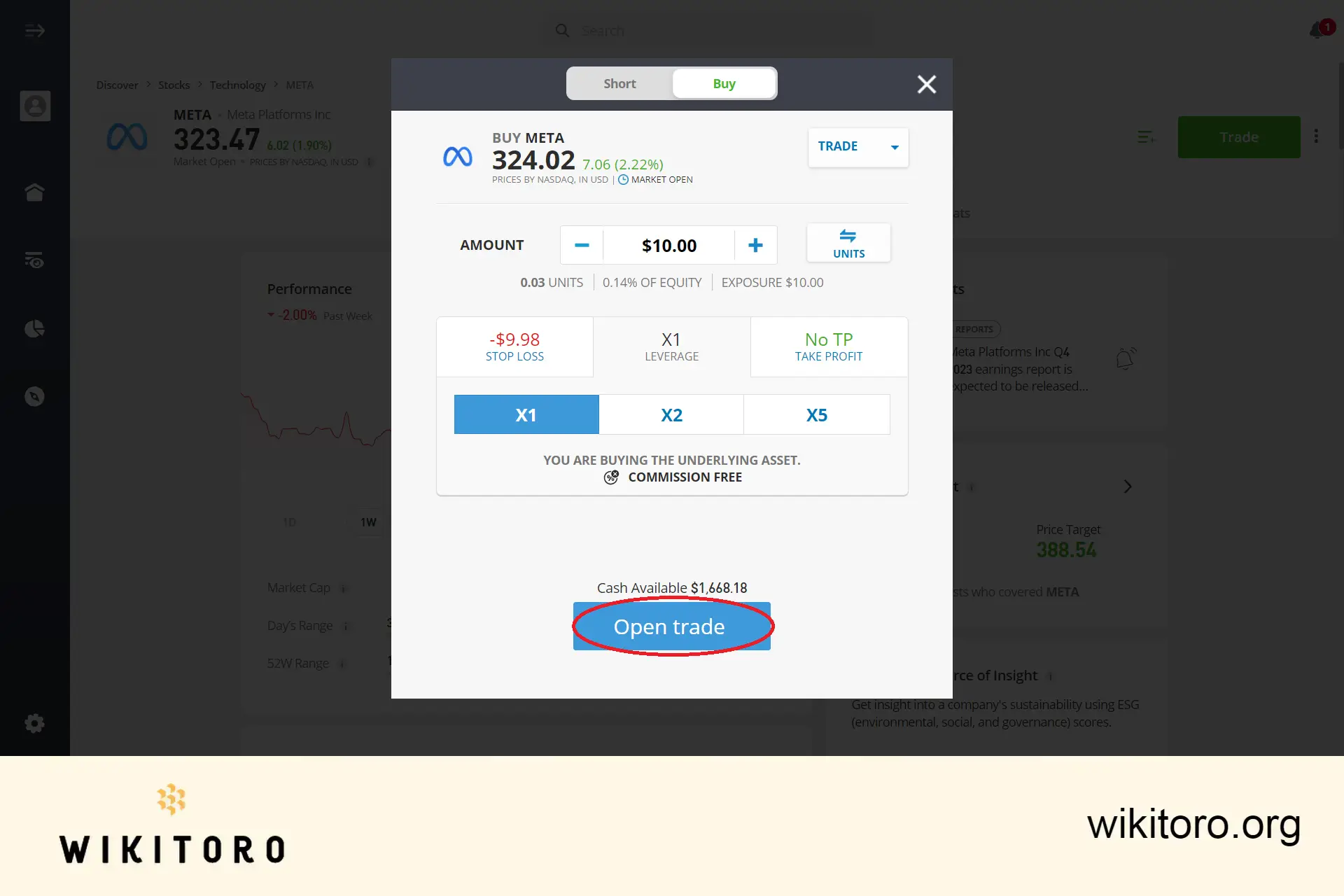
In summary, that's the straightforward process for buying eToro Meta stocks. Ensure your trading account is verified and sufficiently funded to explore a wider range of stock options available on the platform.
💵 Tip: Add a reasonable starting capital, if you can
Initially, I started with just $50 on my account but later on, I realized that this was not enough since I wanted to buy more stocks and explore other assets on the platform.
And always remember: Trading involves inherent risks, so approach your investments with caution and informed decision-making.
 About Mike Druttman











