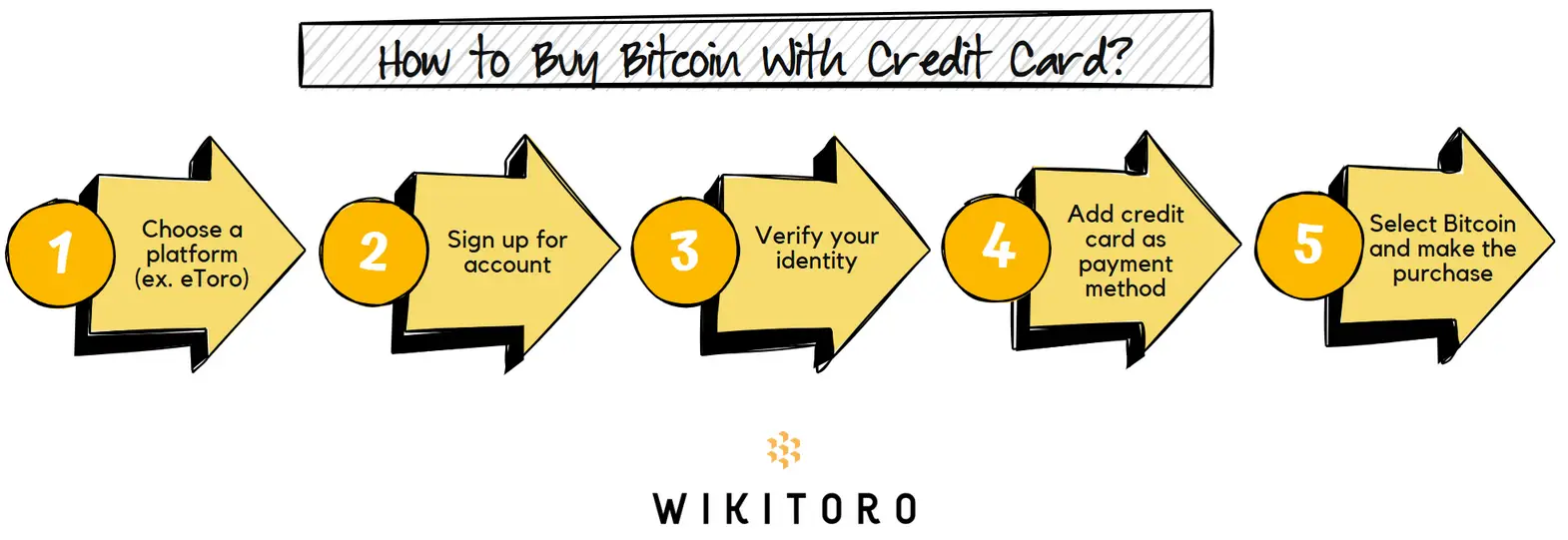
To buy Bitcoin with a credit card, sign up with a platform that supports both credit card payments and BTC trading. eToro is one of them. Once your account’s live, verify your ID and set your card as the payment method. Look for Bitcoin, set how much you want to buy, and use your credit card to complete the purchase.
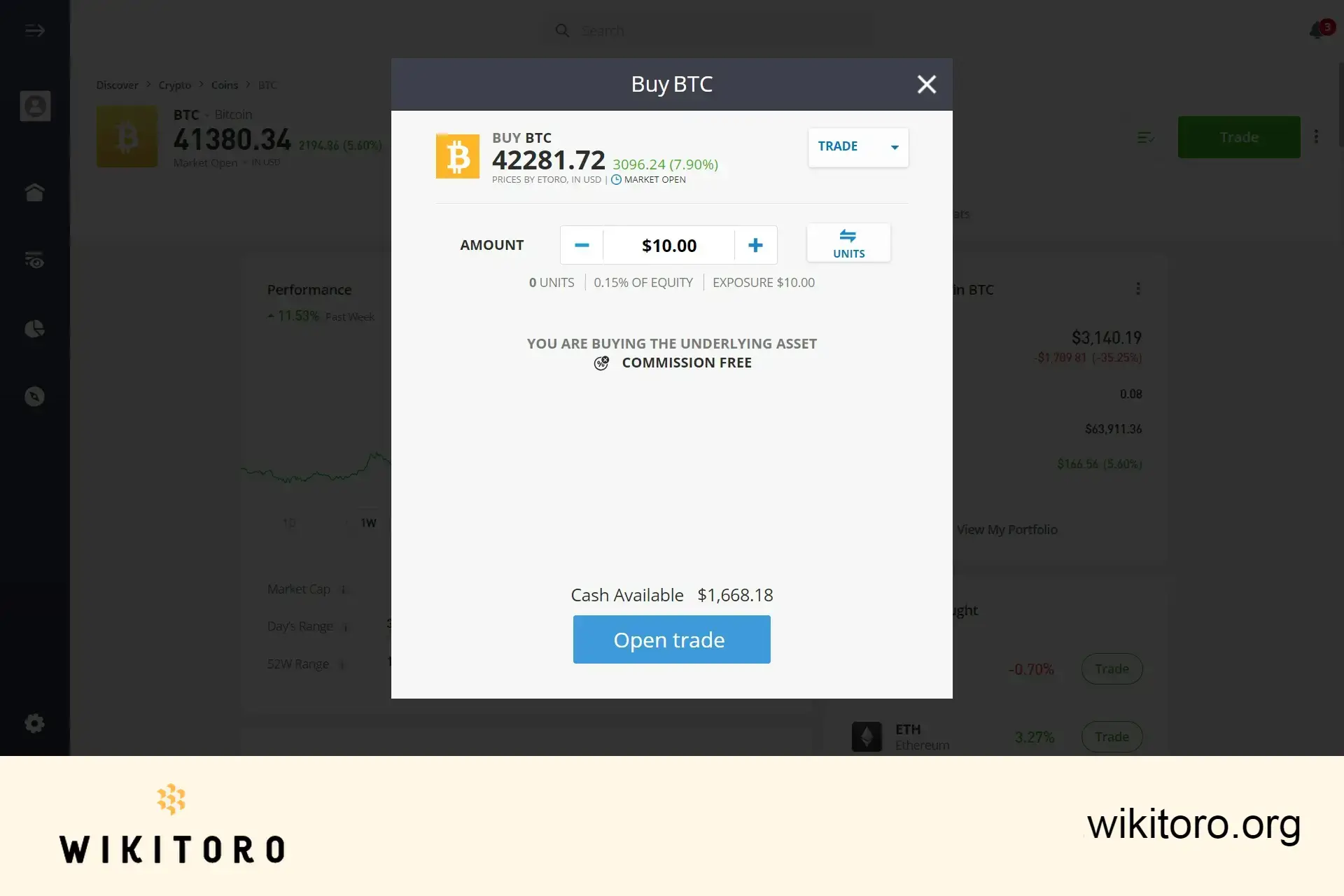
Buying Bitcoin (BTC) using eToro's platform
Step-by-step: How to Buy Bitcoin on eToro with a Credit Card
Buying Bitcoin on eToro with a credit card is easier than you think, once you know where to click and what to expect.
Let’s get into it:
Open your eToro account Head over to eToro and click the button to sign up for an account. Pop in your email, then upload a valid photo ID and verify a few personal details. This part’s non-negotiable. It’s there to tick all the regulatory boxes.
Link your credit card Jump to the payment section and add your credit card. Visa and Mastercard are generally supported. Heads-up: credit card availability depends on your region or country. If it’s not showing up, drop a quick message to eToro’s support team.
Search for Bitcoin (BTC) With your card linked, use the search bar to find Bitcoin. Tap into the BTC page to check live pricing and get ready to trade.
Choose your amount and confirm Enter the amount you want to invest (either in USD or in BTC). The minimumt trade size is $10. Double-check the fees. Then click “Open Trade” to lock it in.
Bitcoin hits your portfolio Your Bitcoin will now appear in your eToro portfolio. You can hold it, sell it, or transfer it to your eToro Money wallet for safekeeping.
Mike Druttman, Head of Content at Wikitoro.org, has decades of expertise in marketing communications and business matching. Educated at the CAM Foundation and the Chartered Institute of Marketing, Mik...
We use cookies in order to improve the website's performance and enhance your user experience. You may choose your preference to this use of cookies. For more information please refer to our Privacy Policy

 About Mike Druttman
















