
Yes, eToro supports Apple Pay and Google Pay for deposits but this depends on where you live (due to regulation and policies). Just add funds using either option, and once they land in your eToro account, you can use that balance to buy Bitcoin or any other available asset on the platform.
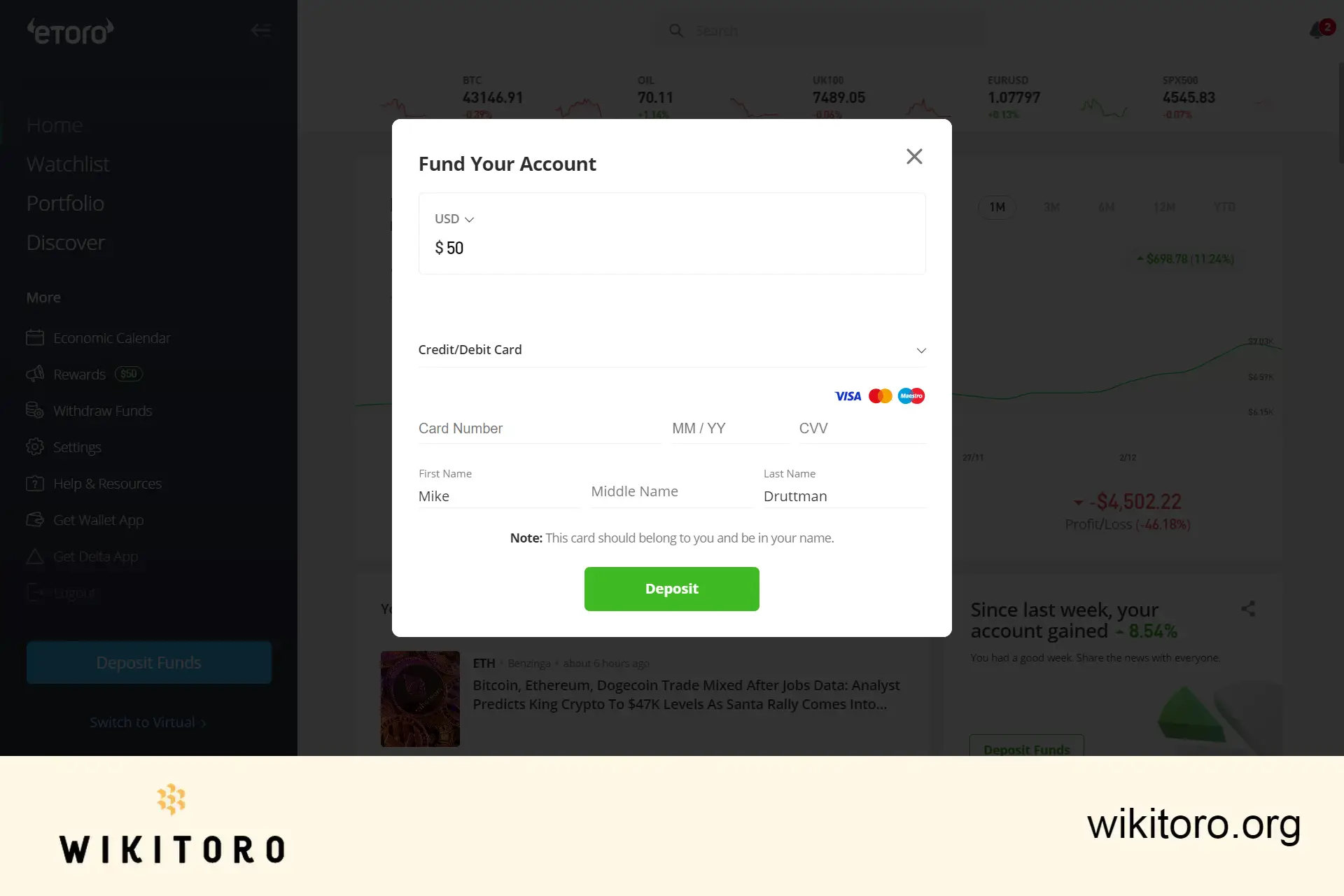
You can add an eToro Money Visa debit card to your Google Wallet.
Once added, you can use Google Pay to fund your eToro account wherever Google Pay is accepted, including both in-store and online purchases, as long as Visa is accepted.
So while you’re not directly using Google Pay to buy Bitcoin, you can deposit money using your card via Google Pay into your and then use that balance to buy Bitcoin through eToro.
It is possible to add your eToro Money Visa debit card to Apple Pay.
This allows you to pay with Apple Pay in places where Apple Pay and Visa are accepted. However, this works the same way: you use your card to deposit funds.
Apple Pay is not a direct payment method on the eToro platform, but it can be used to fund your eToro account if your eToro card is added to Apple Pay.
Once your account is funded (whether via card, bank transfer, PayPal, etc.), you can use those funds to buy Bitcoin on the platform. Paid deposits made using your card (whether directly or via Apple Pay or Google Pay) are all treated as card deposits.
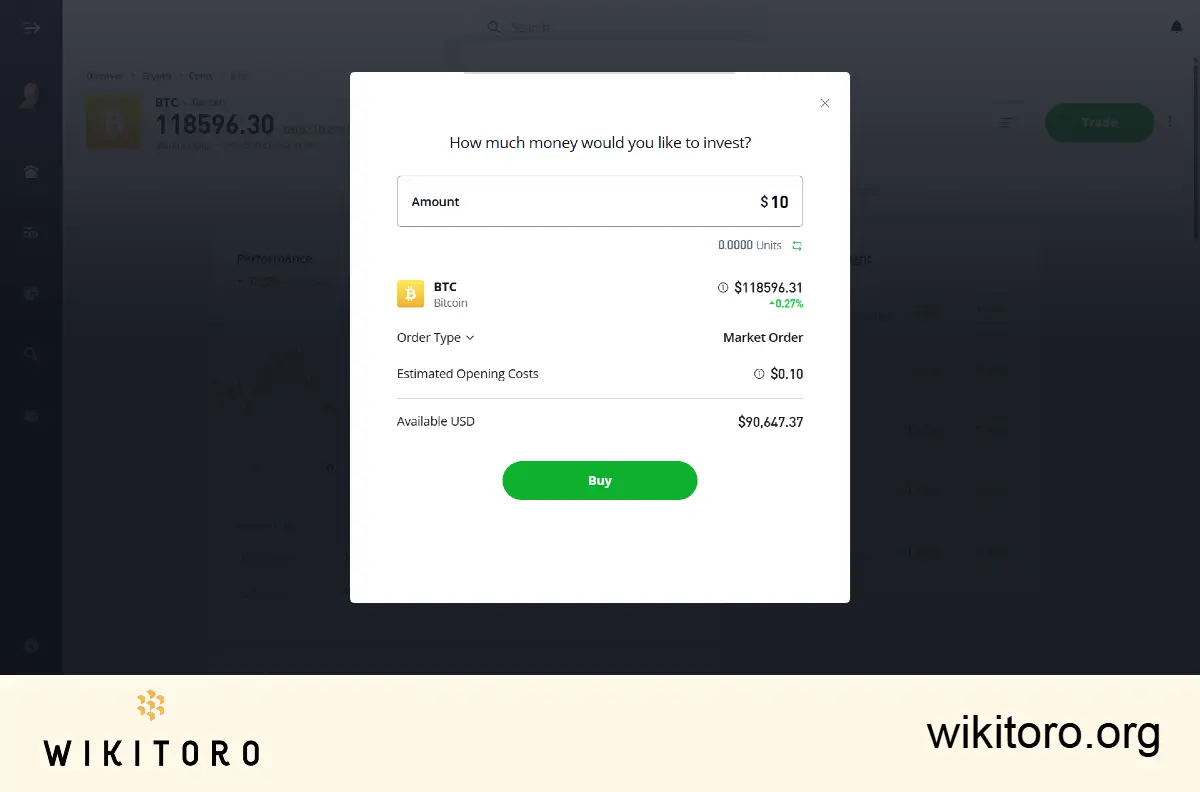
eToro accepts debit/credit cards (Visa, Mastercard, Maestro), bank transfers, PayPal, Skrill and other region‑specific e‑wallets depending on where you’re located (country or region).
Still not clear? Check out this basic table that I prepared for more clarity:
| Payment Method | Can You Add eToro Card? | Can You Deposit Via It? | Use Directly to Buy Bitcoin? |
| Google Pay | ✔️ | ✔️ | ❌ (but deposit works) |
| Apple Pay | ✔️ | ✔️ | ❌ (Apple Pay is not a direct option on eToro) |
| Debit/Credit Card | N/A | ✔️ | ✔️ |
| PayPal, Bank Transfer | N/A | ✔️ | ✔️ |
 About Mike Druttman
















