
Once you’ve uploaded everything, eToro usually gets your account verified in about 1 to 3 business days. That said, don’t be surprised if it takes a bit longer. Things like blurry scans or mismatched info can slow it down.
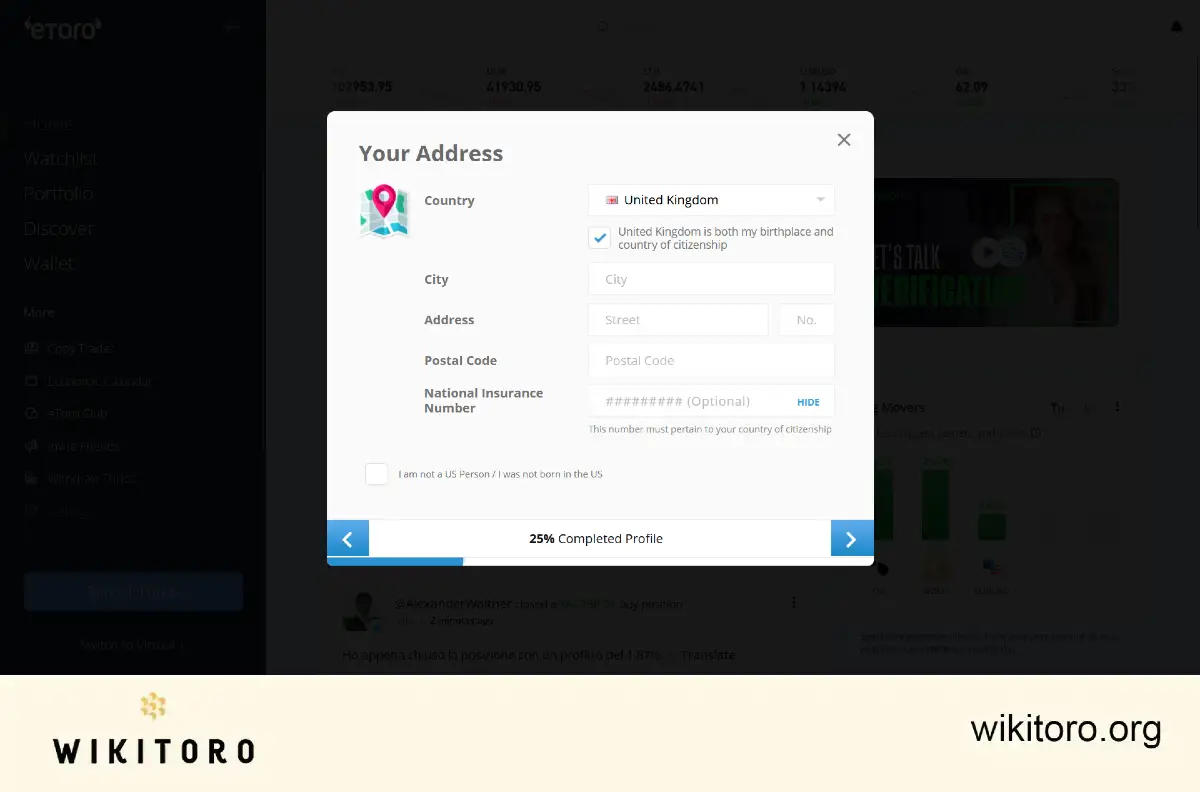
To get through verification, here’s what you’ll need to submit:
Double-check everything before you hit upload. If your documents are hard to read or missing details, the process could stall or worse, get rejected.
Just log into your eToro account. If you see a green checkmark next to your username, you’re good to go. If there’s a problem, eToro will send you an email with what needs fixing. Add their address to your safe sender list so nothing important lands in spam.
Quick tips to avoid delays
Use high-quality images: Upload clean, sharp scans. I once tried using a grainy photo from an old phone—didn’t go well.
Don’t crop your documents: Capture the full page. All corners, all details. Cropped images can be flagged.
Make sure your info matches: Your name, address, ID... all of it needs to line up with your account info.
Use recent docs: Don’t upload an expired ID or a year-old utility bill. I made that mistake once with an old passport and had to start over.
 About Mike Druttman
















