How Do I See My Full History on eToro?
- Quick and easy registration process
- Step-by-step guide to open an account
- Various ways to open an account
- Comes with demo account with $100000 in virtual funds
52% of retail CFD accounts lose money.

Want to check everything you’ve done on eToro: every trade, every close, every deposit? Here’s how to pull up your full trading history, step by step, depending on the device you’re using:
That’s where you’ll find all your closed trades, deposits, withdrawals, and other past activity. It's your running logbook.
Your full transaction list will be there: trades, transfers, the lot.
For a complete record, head over to Settings and download your Account Statement. It includes profit/loss info for everything from crypto to stocks.
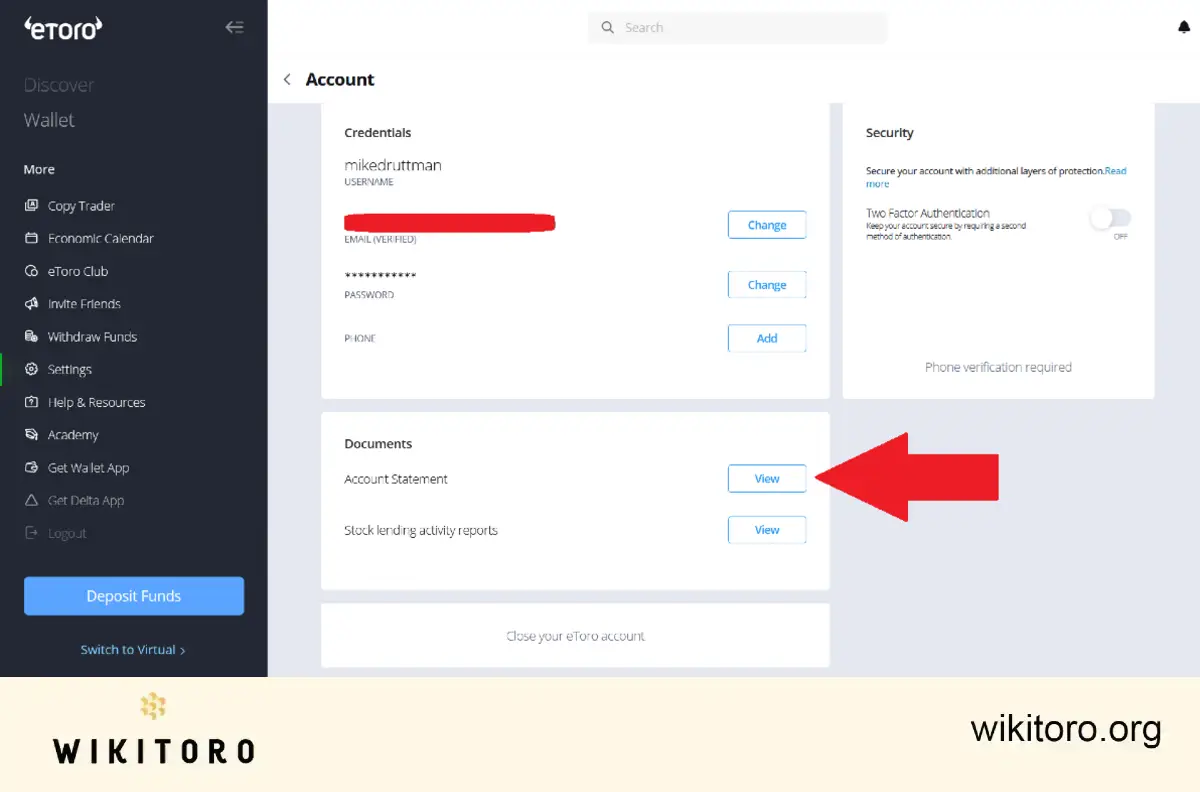
Need older data or extra details?
For this case, I recommend that you contact eToro’s support team. They can help you access statements outside the usual date range or provide specific account activity you might not see on the dashboard.
 About Mike Druttman
















