Opening an eToro account boils down to three essentials: fill in accurate personal details, pass identity checks with clear documents, and make the first minimum deposit to activate trading.
Creating an eToro trading account is quick, but you’ll move faster and avoid verification hiccups if you gather your documents first. Here's a simplified guide built from eToro’s own help pages and independent reviews, so you can sign up, verify your identity, and start trading without surprises.
What You’ll Need Before You Begin
A valid email address and mobile phone for confirmations
Government-issued photo ID (passport or driver’s license)
Recent proof of address such as a utility bill or bank statement
A payment method ready for deposits (bank card or online banking work well)
Tip: Having clear, readable scans or photos of those documents speeds up compliance checks.
Step-by-Step: Open Your eToro Account
Visit the Sign-Up Page. Click “Join Now” (sometimes labelled “Trade Now” depending on your location) on eToro’s homepage.
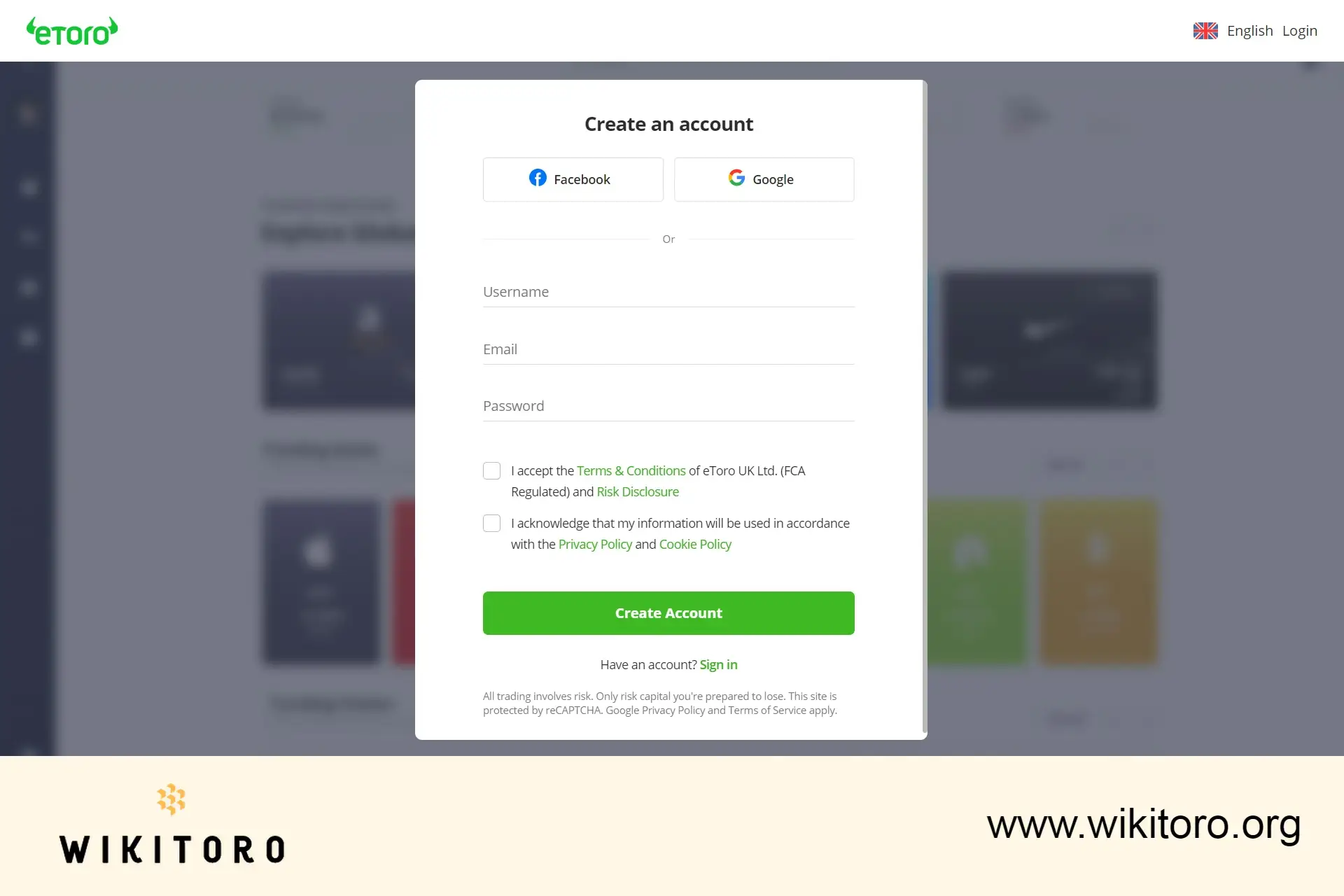
Create Your Login. Choose a unique username, enter your email, and set a strong password. Tick the boxes confirming you’ve read the Terms & Conditions and Privacy Policy.
Confirm Email & Phone. eToro sends a verification link to your inbox and a code by SMS. Complete both checks to activate the profile.
Complete Identity Verification (KYC). Upload your photo ID and proof of address inside the account dashboard. The platform accepts JPEG or PDF files; blurred images are rejected.
Secure the Account. Make sure that you turn on two-factor authentication from the settings menu to protect future logins. This is an extra layer the industry now regards as important.
Make Your First Deposit. Most regions allow a first-time deposit from just $50; subsequent deposits can be the same amount or higher, depending on your payment method. Funds land instantly when you use a debit card or online banking, so you can place your first trade right away.
eToro registration page
It sounds obvious, but it’s worth repeating: your name and address on the ID must exactly match what you entered on the registration form. This is the number one reason for delays. And when uploading your documents or ID photos? Make sure the lighting is clear (I suggest taking photos outdoors). Avoid dark, blurry, or cropped images. They’re a fast track to a resubmission request.
Mike Druttman, Head of Content at Wikitoro.org, has decades of expertise in marketing communications and business matching. Educated at the CAM Foundation and the Chartered Institute of Marketing, Mik...
We use cookies in order to improve the website's performance and enhance your user experience. You may choose your preference to this use of cookies. For more information please refer to our Privacy Policy

 About Mike Druttman
















