How Do I Change My eToro Account Currency?
- Quick and easy registration process
- Step-by-step guide to open an account
- Various ways to open an account
- Comes with demo account with $100000 in virtual funds
52% of retail CFD accounts lose money.

On eToro, you cannot change your account's currency. You can only adjust the "display currency" of your account to view your portfolio in a preferred currency. This change is purely cosmetic and does not affect the underlying currency of your trades or trading account balance, which remain in US dollars (USD).
Here’s how to switch up what you see:
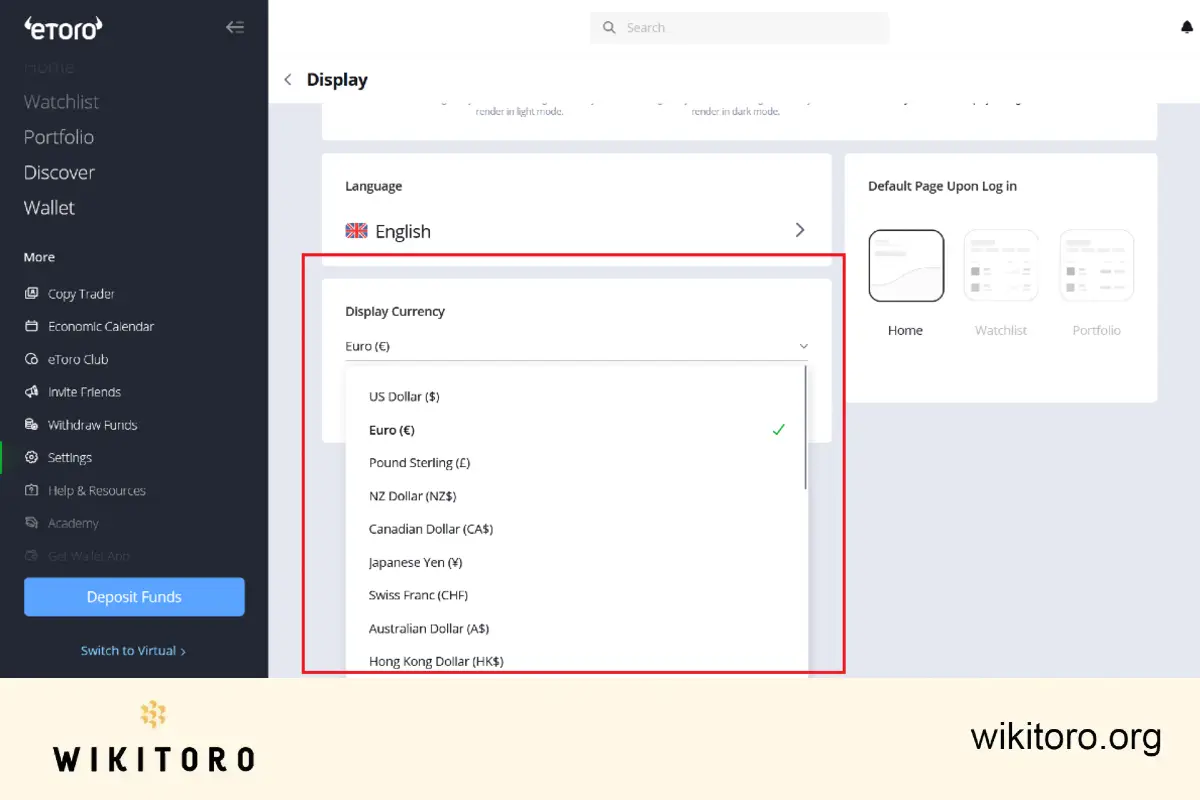
That’s it.
Changing the display currency helps you see your portfolio in your own terms. I find this handy for tracking value in my local currency. But let's not forget that every transaction is still executed in USD behind the scenes.
 About Mike Druttman
















