
If you're not receiving your eToro verification code when attempting to sign in, it usually boils down to a few common culprits: your phone number might be off, your network could be spotty, your device settings aren’t properly configured, or your device has an issue. Also, don’t forget that push notifications must be on, and your phone should be connected to a working network.
Let’s troubleshoot this step-by-step:
Start simple. Make sure the phone number linked to your eToro account is accurate and yes, that includes the correct country code. One number = one account. If you’ve reused it somewhere else on eToro, that could be the snag.
Your signal matters more than you think. Here’s what to look for:
Still no code? Your phone might be blocking it. Try this:
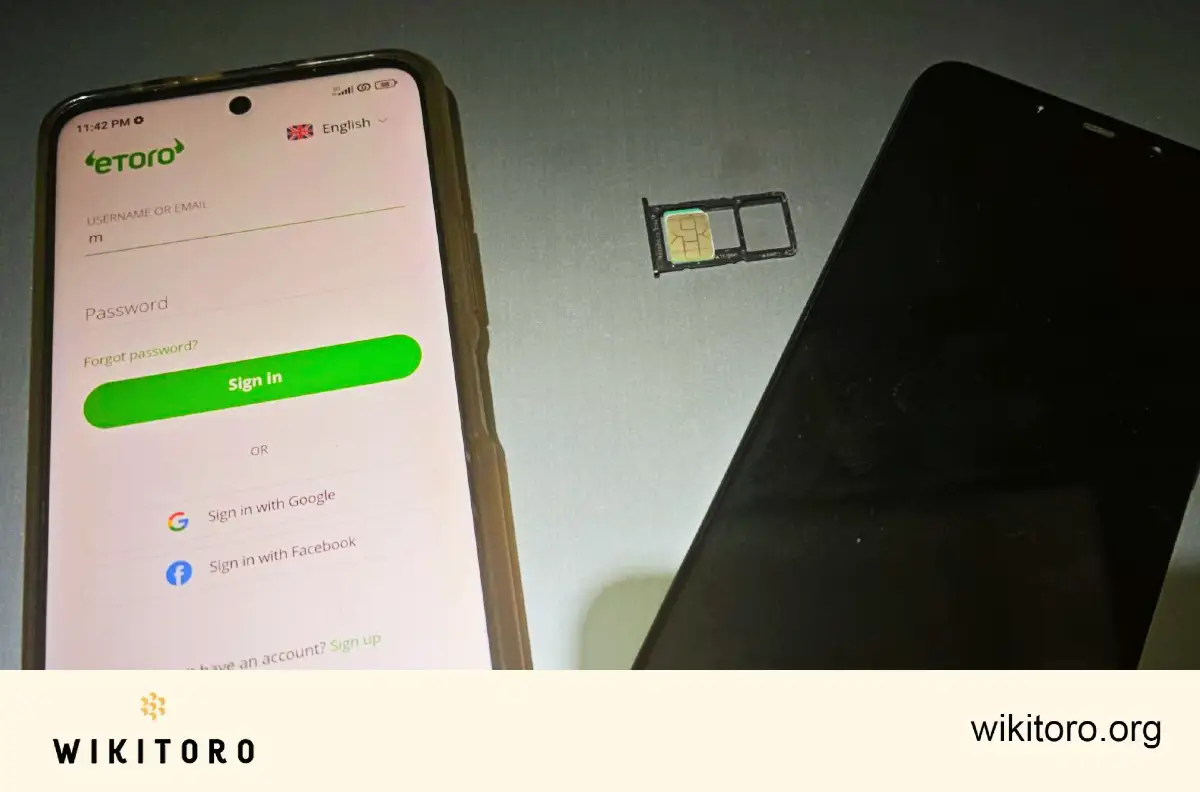
Pop your SIM into another compatible phone and see what happens. If the code comes through on the new device, your original phone might be the problem and not the network or eToro. This quick swap helps rule out any device-specific issues and saves you chasing the wrong fix.
If SMS isn’t cutting it, switch things up:
If none of this works, it’s time to bring in eToro's support. They can help verify your account details and guide you through what to do next. Personally, I recommend using live chat. It’s quick, available 24/7, and usually gets you a faster response than email.
 About Nadav Zelver
















