
Here’s the correct and simple process if you want to set up an eToro login:
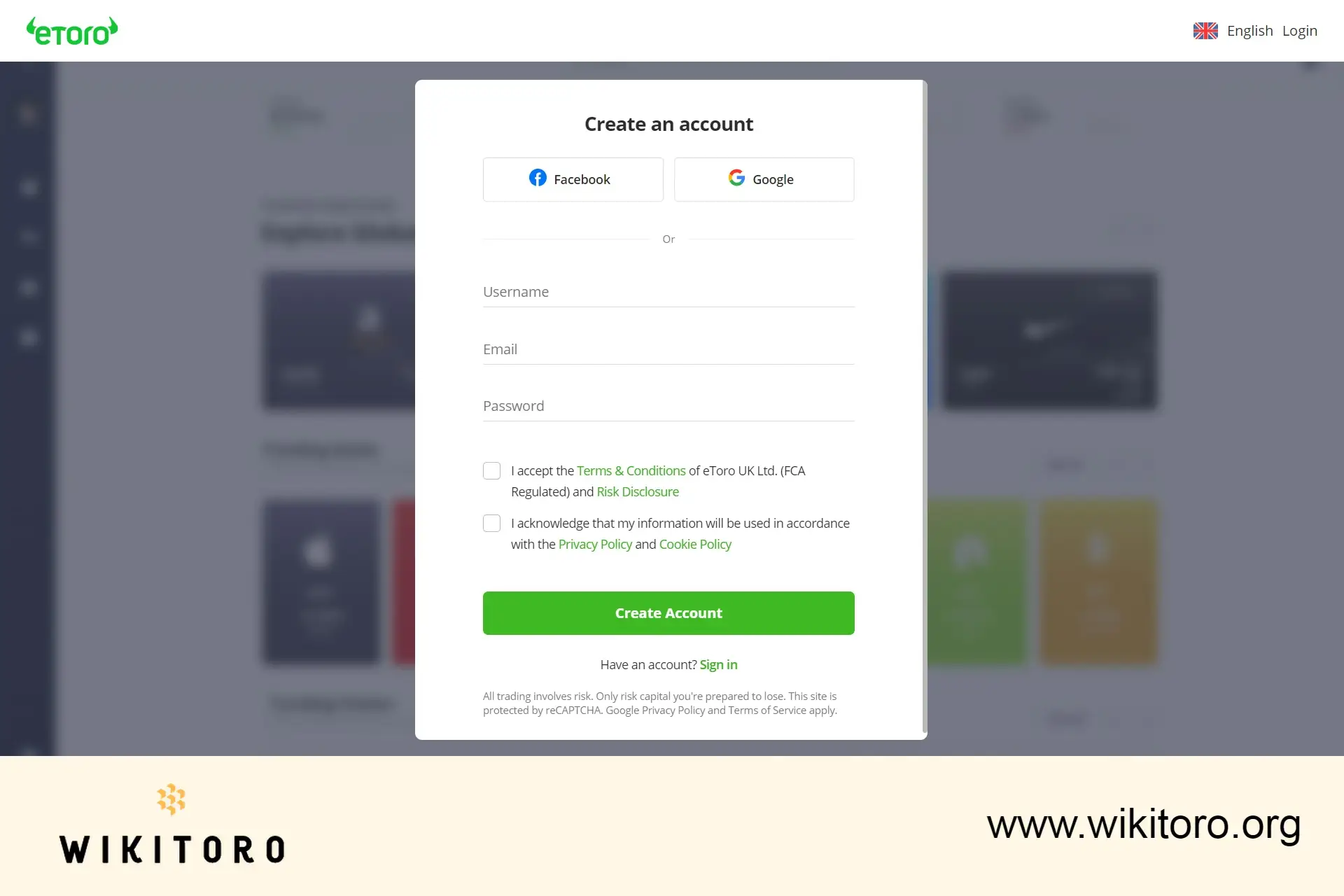
Jump over to www.etoro.com, then click “Join Now” or “Trade Now”. Both buttons take you to the same place.
Or, skip all that and register using your Facebook or Google account.
Accept the Terms & Conditions and Privacy Policy and confirm your email via the link they send.
In addition, you might be required to enter the SMS code to verify your phone number.
You’ll need to upload:
That completes your KYC verification.
Turn on 2FA (two-factor authentication) for extra account protection. If you're using the app, you can also set up Face ID or fingerprint login.
Once verified, add funds to your account using:
The minimum deposit is usually $50, though this may vary based on your country.
Sign in using your email or username plus your password or with Google, Facebook, or Apple login.
You’ll find the login page at www.etoro.com/login or in the mobile app.
Now before you go, take note of this: eToro isn’t available in all countries. If your location isn’t supported, registration and trading won’t work. If it is supported, follow the full sequence:
Visit → Register → Verify → Secure → Deposit → Login
 About Mike Druttman
















