
If you're looking to reset your eToro demo account balance, it's important to note that eToro doesn't offer a direct option to completely reset your virtual account, including trading history and statistics.
But the good news is that you have a couple of alternatives for a fresh start:
You can contact eToro's Customer Service to adjust your virtual account balance. Here's how:
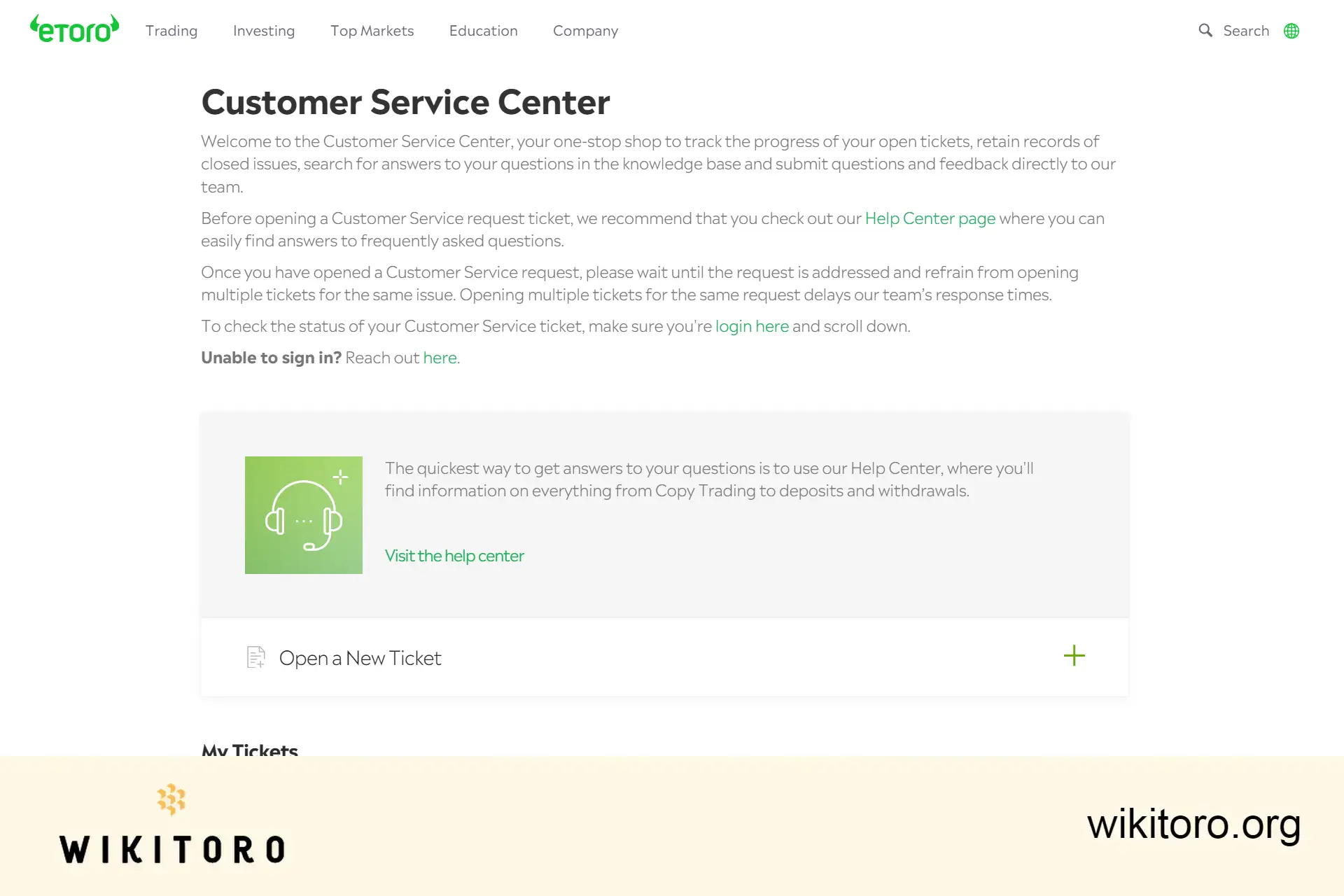
You can request an increase of up to $100,000 or a decrease down to a minimum of $2,000 in your virtual funds.
If you prefer to start with a clean slate, including no trading history or statistics, you can open a new eToro account using a different email address and username. This will provide you with a new virtual portfolio funded with $100,000 in virtual funds.

While these aren't the direct ways to reset the demo virtual balance, what I liked about these options is that it allows me to continue practicing and refining my trading strategies in eToro's virtual environment without the constraints of previous activities.
 About Mike Druttman
















